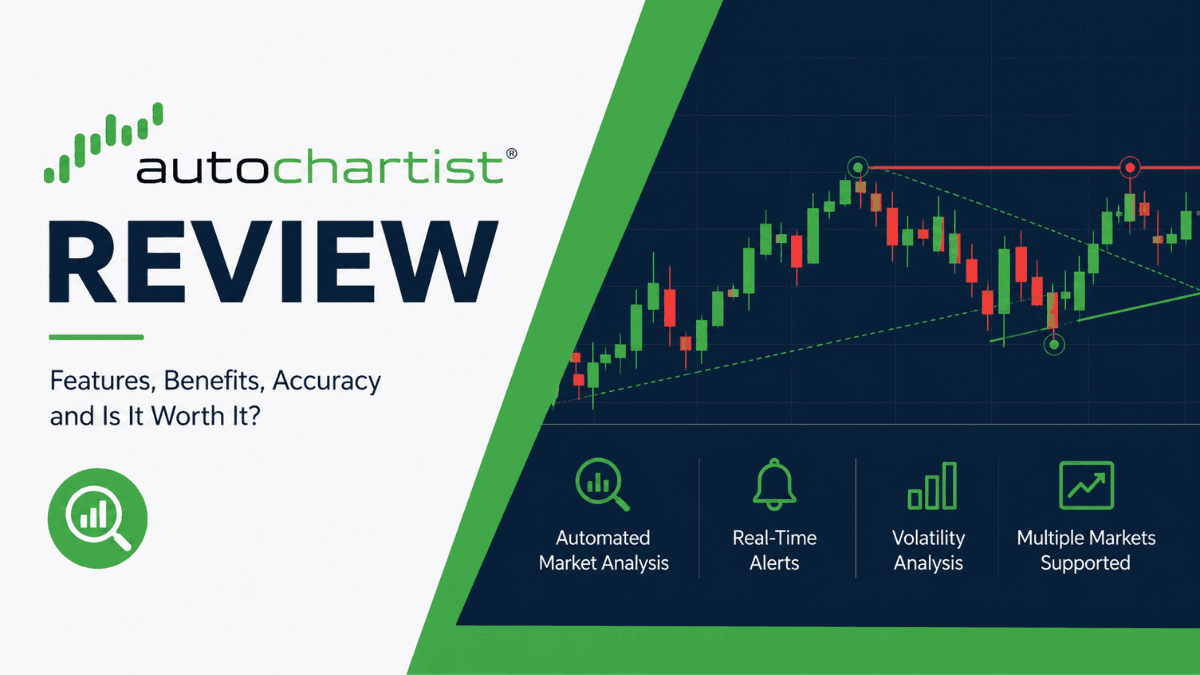
Trading can feel overwhelming when you are staring at dozens of charts, indicators, and price movements at the same time. That is where automated market analysis tools like Autochartist come in. This Autochartist Review takes a detailed look at how the platform works, what features it offers, who it is best suited for, and whether it genuinely helps traders make better decisions.
Autochartist has become a popular tool among forex and CFD traders because it scans markets automatically and identifies trading opportunities in real time. Instead of manually searching for chart patterns or key price levels, traders can use the platform to receive instant alerts and technical analysis ideas. But does it actually improve trading performance, or is it just another flashy trading add-on?
Click Here To Join our Telegram Community
This review breaks down the platform from a practical trader’s perspective. You will learn about its pattern recognition engine, volatility analysis, broker integrations, strengths, limitations, and how it compares to manual chart analysis.
What Is Autochartist?
Autochartist is an automated technical analysis platform designed to help traders identify potential trading opportunities across forex, stocks, indices, commodities, and cryptocurrencies. The software continuously scans financial markets for chart patterns, Fibonacci formations, and breakout setups.
Unlike a trading platform such as MetaTrader 4 or MetaTrader 5, Autochartist does not execute trades directly. Instead, it serves as a market analysis companion, providing trading insights and alerts.
The company originally gained popularity in the forex industry because many brokers began offering it to their clients for free. Today, Autochartist is integrated with numerous brokers and trading platforms worldwide.
How Autochartist Works
At its core, Autochartist uses pattern-recognition algorithms to automatically scan charts. The software analyzes multiple financial instruments and timeframes simultaneously.
When the system detects a recognizable setup, it generates a trading opportunity alert. These alerts can include:
- Triangle patterns
- Head and shoulders formations
- Channels and wedges
- Fibonacci retracements
- Breakouts
- Support and resistance zones
The idea is simple: instead of manually analyzing hundreds of charts every day, traders receive ready-made technical analysis opportunities.
Markets Covered by Autochartist
Autochartist supports a wide range of tradable assets. Availability depends on your broker, but most users can access:
- Forex pairs
- Stock CFDs
- Commodities
- Indices
- Cryptocurrencies
Forex traders remain the largest user group because the software was originally developed with currency markets in mind.
Autochartist Key Features
One reason Autochartist remains popular is the depth of its features. This section explores the tools that matter most to active traders.
Automated Pattern Recognition
The platform’s most well-known feature is automated pattern detection. Autochartist constantly scans the market and identifies chart formations based on technical analysis principles.
For example, if EUR/USD forms a symmetrical triangle on the 1-hour chart, the software may generate an alert before the breakout happens. Traders can then evaluate whether the setup aligns with their own strategy.
This feature can save significant time, especially for traders who monitor multiple currency pairs simultaneously.
Volatility Analysis
Autochartist includes a volatility analysis tool that estimates expected price-movement ranges across different trading sessions.
This feature is surprisingly useful in real-world trading. For instance, if GBP/JPY normally moves 120 pips during the London session, traders can use that information to adjust stop-loss and take-profit targets more realistically.
Beginners often underestimate market volatility. Having historical volatility data available directly within the platform can help avoid overly tight stop-loss orders.
Fibonacci Pattern Detection
Many traders struggle with drawing Fibonacci retracement levels correctly. Autochartist attempts to simplify this process by automatically identifying Fibonacci setups.
The platform highlights potential retracement and extension zones based on recent price action. While not every signal is reliable, it can help traders spot areas of interest faster.
This feature tends to work best when combined with a broader market context rather than used as a standalone signal generator.
Trade Opportunities and Alerts
Autochartist can send trading alerts through several channels, depending on broker integration.
Common alert methods include:
- Platform notifications
- Email alerts
- Mobile notifications
- Browser-based alerts
This is particularly useful for traders who cannot monitor charts all day. Instead of constantly checking the market, they can wait for high-probability setups to appear.
Performance Statistics
The software provides quality indicators for detected patterns. These metrics may include:
- Clarity of the pattern
- Strength of breakout
- Historical reliability
- Pattern duration
This does not guarantee profitable trades, but it gives traders additional context before acting on an alert.
User Experience and Platform Design
A trading tool can have excellent analysis capabilities but still fail if the interface feels confusing or outdated. Fortunately, Autochartist is relatively straightforward to use.
The dashboard is clean and organized, with detected opportunities displayed clearly by asset class and timeframe. Traders can filter results based on pattern type, quality score, or market category.
The learning curve is manageable even for beginners. Most users can understand the basics within a few hours of exploration.
Mobile Accessibility
Some brokers offer mobile-compatible versions of Autochartist or integrate alerts into their own apps.
This flexibility matters because many traders now manage positions from smartphones or tablets. Receiving market alerts on the go improves convenience considerably.
Still, the desktop experience remains more powerful for detailed analysis.
Autochartist Integration With Brokers
One of Autochartist’s biggest strengths is its widespread broker integration. Many forex brokers provide the software free of charge to funded clients.
Popular brokers that have historically offered Autochartist integrations include:
- Pepperstone
- IG Group
- FP Markets
- AvaTrade
- ThinkMarkets
Availability can vary depending on account type and region.
MetaTrader Integration
Autochartist works especially well with MetaTrader platforms. Traders can install it as a plugin inside MT4 or MT5.
This integration allows trading alerts to appear directly within the trading terminal. For active forex traders, this creates a smoother workflow because there is no need to switch between multiple applications.
Is Autochartist Accurate?
Accuracy is one of the biggest questions traders ask before using any analysis tool.
The truth is that Autochartist is not a magic solution. It cannot predict markets perfectly, and it should never replace proper risk management. What it does well is identify technical setups quickly and consistently.
Some detected patterns lead to profitable trades. Others fail completely. That is normal in trading because no technical analysis method has a 100% win rate.
Experienced traders often use Autochartist as a filtering tool rather than a decision-making system. They combine its alerts with:
- Price action analysis
- Fundamental analysis
- Trend confirmation
- Risk management rules
- Support and resistance zones
When used this way, Autochartist can significantly improve efficiency and reduce analysis time.
Pros and Cons of Autochartist
Every trading tool has strengths and weaknesses. Understanding both sides helps traders decide whether the software matches their style.
Pros
- Saves time by scanning markets automatically
- Beginner-friendly interface
- Strong broker integration
- Useful volatility analysis tools
- Supports multiple markets and timeframes
- Real-time alerts improve efficiency
- Works with MT4 and MT5
Cons
- Not all signals are reliable
- Can create overtrading temptation
- Limited value without trading knowledge
- Some features depend on broker integration
- False breakouts still occur frequently
The biggest mistake traders make is assuming automated analysis tools eliminate the need for experience. Autochartist works best when combined with human judgment.
Who Should Use Autochartist?
Autochartist is not designed for every type of trader. Some strategies benefit more from it than others.
Best for Beginner Traders
New traders often struggle to consistently identify chart patterns. Autochartist can accelerate the learning process by showing real examples in live markets.
Instead of reading about triangles or wedges in theory, beginners can observe how those formations appear in real time.
That practical exposure can improve chart-reading skills over time.
Useful for Busy Traders
Not everyone can monitor charts throughout the day. Traders with jobs or other responsibilities may appreciate automated alerts.
The platform essentially acts like a market scanner operating 24/7.
Less Useful for Pure Fundamental Traders
If your trading decisions rely almost entirely on macroeconomic news or earnings data, Autochartist may provide limited value.
The software focuses heavily on technical analysis rather than economic forecasting.
Autochartist vs Manual Technical Analysis
Manual analysis gives traders full control and flexibility, but it can also be time-consuming and emotionally draining.
Autochartist dramatically speeds up the scanning process. Instead of manually searching for setups, traders receive pre-identified opportunities.
Still, manual analysis remains important because context matters. A technically perfect chart pattern may fail during major economic news releases or periods of low liquidity.
Many professional traders use a hybrid approach:
- Autochartist for scanning
- Manual analysis for confirmation
- Personal risk management for execution
This balance often produces better results than relying entirely on automation.
Pricing and Availability
Autochartist is commonly offered free through partner brokers. In many cases, traders only need an active trading account with a participating broker.
Standalone pricing is less common for retail users because the company primarily distributes its software through broker partnerships.
Before opening an account solely for Autochartist access, traders should still carefully evaluate the broker itself. Regulation, spreads, execution quality, and withdrawal reliability remain more important than bonus tools.
Educational Resources and Market Reports
Autochartist also provides educational content to help traders improve their understanding of technical analysis.
These resources may include:
- Trading webinars
- Market reports
- Volatility updates
- Technical outlooks
- Trading tutorials
The educational side of the platform is often overlooked, but it can be valuable for developing traders.
Security and Reliability
Since Autochartist primarily functions as an analysis tool rather than a broker or exchange, security concerns are generally lower than on platforms that hold client funds.
The software itself has maintained a solid reputation in the trading industry for years. However, broker integration quality can vary.
A stable internet connection and a properly configured trading platform are important for receiving alerts promptly.
Final Verdict: Is Autochartist Worth It?
This Autochartist Review shows that the platform can be a genuinely useful trading companion when used correctly. Its automated chart scanning, pattern recognition, and volatility analysis tools help traders save time and identify opportunities faster.
The software is especially valuable for beginners learning technical analysis and active traders monitoring multiple markets. Broker integrations with platforms like MT4 and MT5 also make the experience convenient and accessible.
At the same time, Autochartist is not a shortcut to guaranteed profits. Signals can fail, false breakouts happen, and market conditions change constantly. Traders still need discipline, risk management, and independent thinking.
If you already use technical analysis and want a tool that improves efficiency without entirely replacing your strategy, Autochartist is worth considering. Used responsibly, it can become a practical addition to a trader’s overall workflow.
Frequently Asked Questions
Is Autochartist free to use?
Autochartist is often available for free through partner brokers. Many forex and CFD brokers include it among their trading tools for clients with funded accounts. Some brokers may require a minimum deposit or a minimum level of trading activity before granting access to the platform.
Can beginners use Autochartist effectively?
Yes, beginners can use Autochartist because the platform is designed to simplify technical analysis. It automatically identifies chart patterns and trading opportunities, helping new traders understand how setups form under real market conditions. Still, beginners should combine it with proper education and risk management rather than relying on alerts alone.
Does Autochartist guarantee profitable trades?
No trading tool can guarantee profits, including Autochartist. The platform provides technical analysis signals based on chart patterns and market behavior, but financial markets remain unpredictable. Traders should always confirm signals with their own analysis and use stop-loss orders to manage risk.
Which trading platforms support Autochartist?
Autochartist is commonly integrated with MetaTrader 4 and MetaTrader 5. Some brokers also offer web-based integrations and mobile notifications. The exact features available depend on the broker you use and the type of trading account you have.
Is Autochartist only for forex trading?
No, Autochartist supports multiple financial markets beyond forex. Depending on your broker, you may also access analysis for indices, commodities, cryptocurrencies, and stock CFDs. Forex remains the platform’s strongest area because many of its tools were originally developed for currency traders.
How accurate are Autochartist signals?
Autochartist signals can be useful, but accuracy varies depending on market conditions and the type of setup identified. Some patterns work well during trending markets, while others may fail during high volatility or major news events. Experienced traders usually treat Autochartist as a market-scanning tool rather than a complete trading strategy.
Trade on the Go. Anywhere, Anytime
If you’re ready to apply what you’ve learned, consider trading with a globally recognized forex and CFD broker like XM .
The platform offers competitive spreads, fast execution, and access to advanced trading tools, including real-time charts and flexible account types, making it suitable for both beginners and experienced traders. Open a trading account for free and start trading today and join millions of traders and investors on the global forex market.
Trading involves risk. Ensure you understand how the markets work before investing.

Vincent Nyagaka is the founder of Chweya, where he breaks down complex financial topics into simple insights. A trader since 2015, he uses his market experience to help readers better understand investing, trading, and personal finance.