Managing your banking from a mobile phone has become part of daily life in Kenya, and the Absa Paybill service makes it easy to move money from M-Pesa directly into your bank account. Whether you want to deposit funds into savings, repay a loan, or send money to another Absa account, using the Absa Bank Paybill is one of the fastest methods available.
Many people prefer mobile banking because it saves time and eliminates the need to visit a branch or ATM. If you are new to the process or simply want to confirm the correct steps, this guide explains everything you need to know about Absa Paybill, including the official paybill number, transaction process, charges, limits, and common issues users face.

What Is Absa Paybill?
Absa Paybill is a mobile money payment option that allows customers to send money from M-Pesa to an Absa Bank Kenya account using Safaricom’s Paybill system.
Instead of visiting a bank branch, you can transfer funds directly through your phone within minutes. The service is especially useful for people who rely heavily on M-Pesa for daily transactions and want a convenient way to fund their bank accounts.
The Absa Bank Paybill service supports several banking needs, including account deposits, loan repayments, and credit card payments. Transactions are usually processed quickly, although timing may vary depending on network traffic or maintenance periods.
Official Absa Bank Paybill Number
Before making a transaction, it is important to use the correct details. Using the wrong paybill number or account reference can send money to the wrong destination.
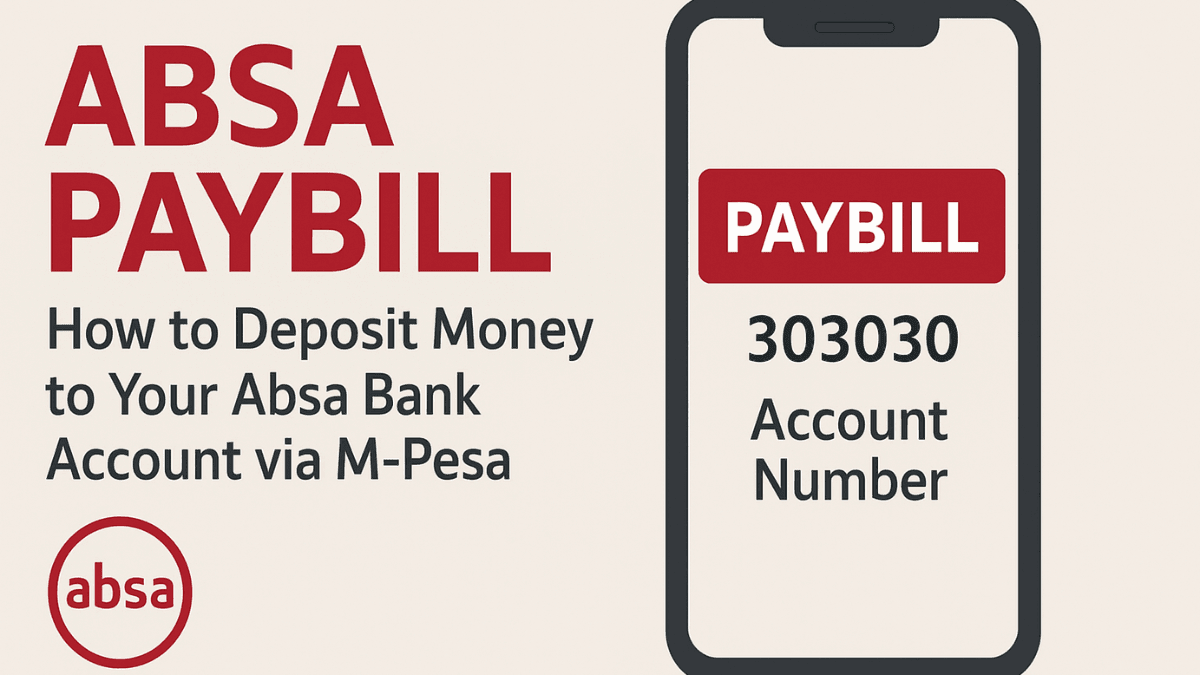
The official Absa Bank Paybill number in Kenya is:
- Paybill Number: 303030
For the account number section, you typically enter your Absa account number. Always double-check the account details before confirming payment because M-Pesa transactions are difficult to reverse once completed.
How to Deposit Money Using Absa Paybill
Sending money to your Absa account through M-Pesa is straightforward. The process only takes a few minutes if you already have funds in your M-Pesa wallet.
Step-by-Step Process
Follow these steps carefully when using the Absa Bank Paybill:
- Open the M-Pesa menu on your phone
- Select Lipa na M-Pesa
- Choose Paybill
- Enter the business number 303030
- Enter your Absa account number
- Type the amount you want to deposit
- Enter your M-Pesa PIN
- Confirm the transaction details and send
After completing the payment, you will receive an M-Pesa confirmation SMS. In most cases, the funds reflect in your Absa account within a few minutes.
Types of Payments You Can Make With Absa Paybill
Many users assume the service only works for standard deposits, but the Absa Paybill system supports multiple transaction types.
Bank Account Deposits
This is the most common use case. Customers transfer money directly into their savings or current accounts from M-Pesa.
Loan Repayments
If you have an active loan with Absa, you can use the paybill option to make repayments without visiting the bank.
Credit Card Payments
Some customers also use the Absa Bank Paybill service to settle credit card balances. In such cases, you may need to use your card number as the account reference.
Business Banking Transactions
Business account holders can also receive payments through the same paybill structure, making it useful for SMEs and entrepreneurs operating in Kenya.
Why Many Kenyans Prefer Absa Paybill
Convenience is the biggest reason mobile banking continues to grow. Instead of standing in banking queues, users can complete transactions from home, work, or while traveling.
The Absa Bank Paybill service also offers flexibility. You can transfer money at any time of day, including weekends and public holidays. That matters for people who need urgent access to funds outside normal banking hours.
Security is another major advantage. M-Pesa transactions require PIN authentication, reducing the risk of unauthorized transfers. Combined with bank-level security systems from Absa Bank Kenya, the platform offers a relatively secure way to move money electronically.
Absa Paybill Charges and Transaction Limits
Charges for using Absa Paybill depend mainly on Safaricom’s M-Pesa transaction pricing. The bank itself may not charge for receiving funds, but M-Pesa transfer fees still apply.
Transaction limits are also important to understand if you regularly move large amounts of money.
Typical M-Pesa Limits
M-Pesa generally applies limits such as:
- Maximum per transaction limit
- Daily transaction limits
- Maximum account balance restrictions
These limits can change over time depending on Safaricom policies and regulatory updates in Kenya. If you handle large transfers frequently, it is wise to confirm the latest limits directly from Safaricom M-Pesa.
Common Problems When Using Absa Bank Paybill
Even though the process is usually smooth, occasional issues can happen. Understanding the common causes can save you time and frustration.
Incorrect Account Number
This is one of the most frequent mistakes. A single wrong digit can delay the transaction or send money to another account.
Before pressing send, always compare the account number with your bank records or mobile banking app.
Delayed Transactions
Sometimes the payment confirmation arrives immediately, but the funds take longer to appear in the bank account. This can happen during:
- System maintenance
- Network congestion
- Peak transaction periods
- Temporary banking system delays
Most delays resolve within a few hours.
Insufficient M-Pesa Balance
If your M-Pesa wallet does not have enough funds to cover both the transfer amount and the transaction fee, the payment will fail.
Wrong Paybill Number
Fraudulent paybill numbers occasionally circulate online. Always verify the official Absa Paybill details from the bank’s website or customer support before sending money.
How Long Does Absa Paybill Take?
Most Absa Paybill transactions are processed almost instantly. In many cases, the funds reflect within a few minutes after receiving the M-Pesa confirmation message.
However, delays may occasionally occur during weekends, public holidays, or scheduled system upgrades. If your money does not reflect after several hours, contacting Absa customer support is usually the best next step.
Tips for Safe Transactions Using Absa Paybill
Mobile banking is convenient, but safe transaction habits are still essential. Small mistakes can lead to lost funds or delayed payments.
Here are a few practical safety tips:
- Always confirm the paybill number before sending money
- Double-check your account number carefully
- Avoid sharing your M-Pesa PIN with anyone
- Save confirmation messages until funds reflect
- Use official banking channels for support
If something feels suspicious, stop the transaction and verify the details directly with the bank.
Can Non-ABSA Customers Use Absa Paybill?
Yes, anyone with an active M-Pesa account can send money to an Absa account using the Absa Bank Paybill number. You do not need to be an Absa customer to complete the transfer.
This makes the service useful for family transfers, business payments, or sending money to friends who bank with Absa.
Alternatives to Absa Paybill
While Absa Paybill is convenient, it is not the only way to move money into an Absa account.
Customers may also use:
- Absa mobile banking app
- Bank transfers
- ATM cash deposits
- Agency banking services
- Standing orders
- RTGS or EFT bank transfers
The best option usually depends on the amount involved, urgency, and transaction charges.
Is Absa Paybill Safe?
For most users, the service is considered safe when used correctly. M-Pesa uses encrypted transaction systems and PIN protection, while Absa applies banking security protocols to customer accounts.
The biggest risks usually come from human error or scams rather than the system itself. Fraudsters sometimes impersonate bank agents or circulate fake payment instructions online. Sticking to official channels significantly reduces these risks.
Final Thoughts
The Absa Paybill system has made banking much easier for customers in Kenya who rely on mobile money services every day. Instead of traveling to a physical branch, you can transfer funds directly from M-Pesa to your bank account within minutes.
Whether you are depositing money, paying a loan, or managing business transactions, the Absa Bank Paybill service offers speed, convenience, and flexibility. The most important thing is to use the correct paybill number and confirm your account details before sending money.
As digital banking continues to expand across Kenya, services like Absa Paybill are likely to remain an essential part of everyday financial transactions.
Frequently Asked Questions About Absa Paybill Number
The official Absa Bank Paybill number is 303030. You can use this number to send money from M-Pesa directly to your Absa account. Always confirm the paybill number from official bank channels before making a transaction to avoid mistakes or fraud.
Most Absa Paybill transactions are processed within a few minutes. In some cases, delays may happen during system maintenance, weekends, or periods of high network traffic. If the money does not reflect after several hours, contact Absa Bank Kenya customer support for assistance.
Yes, you can transfer money to another person’s Absa account using the Absa Bank Paybill service. You only need the correct account number and the official paybill number. Double-check the details carefully before confirming the payment because M-Pesa reversals are not always guaranteed.
Yes, M-Pesa transaction charges usually apply when using the service. The amount charged depends on how much money you are sending. Absa itself may not charge for receiving the funds, but Safaricom transfer fees still apply.

If you send money to the wrong account, contact both Safaricom and Absa immediately. Quick reporting improves the chances of resolving the issue before the funds are withdrawn. Keep your M-Pesa confirmation message because it helps customer support track the transaction.
Absa Paybill is generally considered safe because transactions are protected using M-Pesa PIN authentication and banking security systems. Most problems happen due to user errors or scams rather than system failures. Always use official payment details and avoid sharing sensitive information with strangers.
Trade on the Go. Anywhere, Anytime
If you’re ready to apply what you’ve learned, consider trading with a globally recognized forex and CFD broker like XM .
The platform offers competitive spreads, fast execution, and access to advanced trading tools, including real-time charts and flexible account types, making it suitable for both beginners and experienced traders. Open a trading account for free and start trading today and join millions of traders and investors on the global forex market.
Trading involves risk. Ensure you understand how the markets work before investing.

Our financial editorial team covers global markets, economic policy, and investment trends. We combine real-time research with AI-powered writing assistants to deliver accurate, timely, and easy-to-read articles. Our editors review all content to ensure quality, neutrality, and clarity for our readers.